Letterhead format in Word: set up an A4 letterhead for printing
In Word, set the page to 8.5 × 11 in with at least 0.6 in margins, put your logo and name in the header and your address, phone, email and GSTIN in the footer, then save it as a PDF for printing.
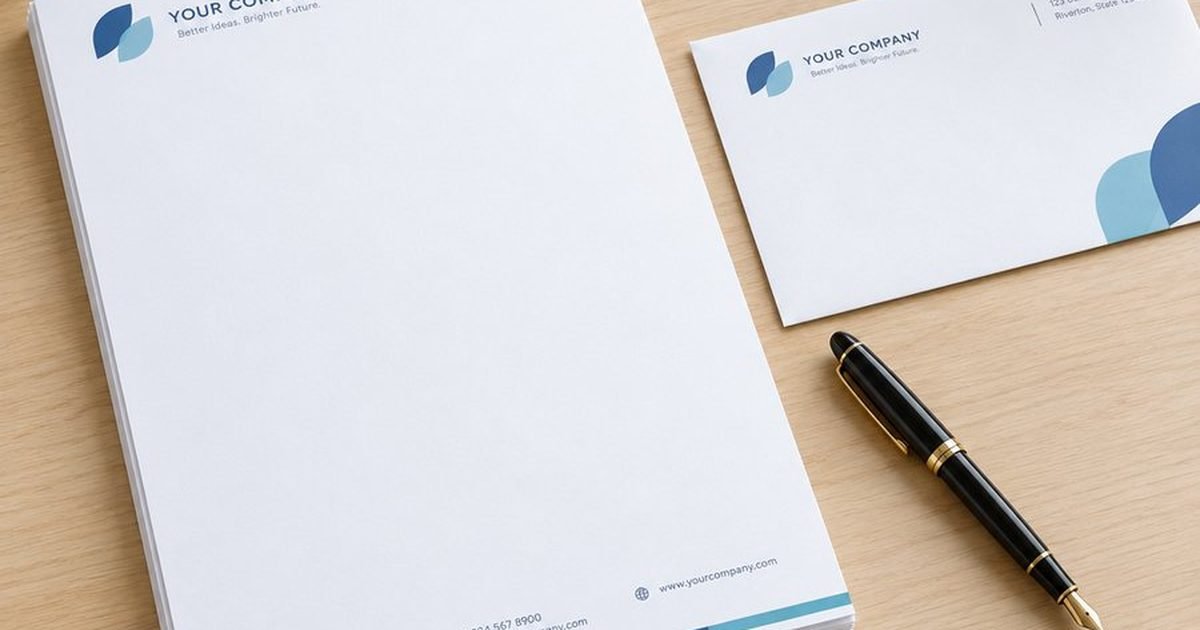
Step 1: set the page size
In Word, open Layout → Size. For a letterhead we print, choose More Paper Sizes and set 8.5 × 11 inches, the size we print letterheads at. Set the margins under Layout → Margins → Custom Margins; keep at least 0.6 inch (15 mm) on every side, because office printers cannot print to the edge.
Step 2: put your details in the header and footer
- Double-click the top of the page to open the header. Add your logo (Insert → Pictures) and business name.
- Double-click the bottom of the page to open the footer. Add the address with PIN code, phone, email, website and GSTIN if you have one.
- Keep the header band within about 1.5 inches (40 mm) so there is room to write.
- Use the same colours and fonts as your visiting cards.
Step 3: save a PDF for printing
Use File → Save As → PDF and send us the PDF. Use a sharp, high-resolution logo (not a small image copied from WhatsApp), because a blurry logo stays blurry in print. We check every file and send you a proof before anything is printed. See the print-ready file checklist for more.
Step 4: type letters on printed letterheads
Once your letterheads are printed, keep a separate Word file for typing letters: delete the header and footer content, and set the top and bottom margins so the typed text starts below the printed header and stops above the footer. Print one test page on plain paper and hold it against a printed letterhead to check.
Want it done for you?
Pick a ready design on the letterheads page and add your details, or our team designs it for ₹300 per page. Printed letterheads start at ₹1.35 each (A4, 90 GSM, 2,000) before GST and work in your office printer. Read the letterhead design guide for what to include.
Questions and answers
Can I send a Word file for printing?
Send a PDF saved from Word. We check every file and send a proof before printing.
How do I type letters on printed letterheads?
Use a Word file with an empty header and footer and margins that start below the printed header.
Can you design the letterhead for me?
Yes, our team designs it for ₹300 per page, or pick a ready design online.